
Plan Useful Content Around the Questions Customers Ask
Build a manageable content calendar from real customer questions. Give each resource a distinct job, choose an appropriate format, and maintain useful pages.
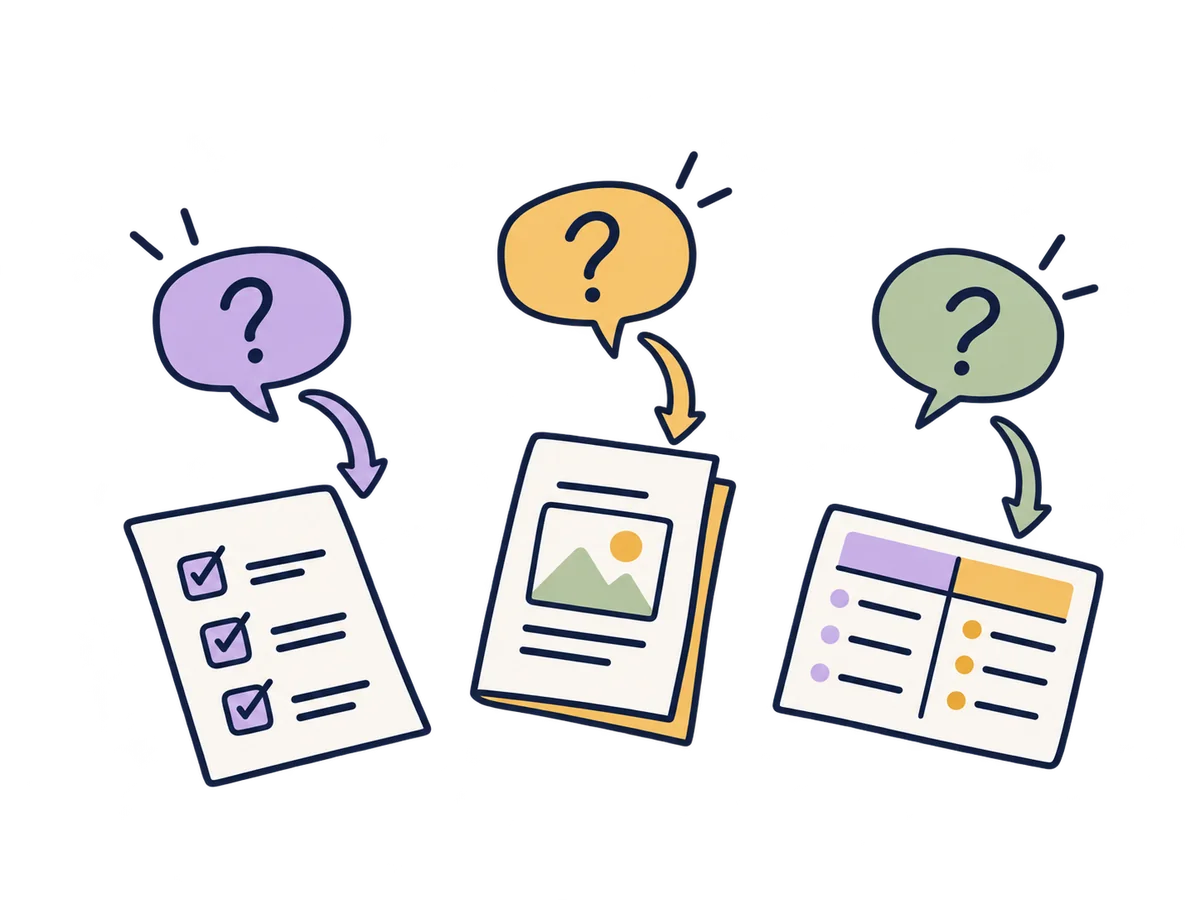
A content plan becomes easier to maintain when each article answers a real question. Start with what customers need to understand before choosing, buying, or using an offer. Then select the format that provides the answer clearly. A calendar filled with broad topics is less useful if nobody knows what each page is meant to accomplish.
For a small business, a few practical resources can be a stronger starting point than an ambitious publishing schedule built around volume alone.
Collect questions from actual decisions
Look at inquiries, relevant community discussions, support requests, and conversations with potential buyers. Record the wording people use. Someone asking whether a spreadsheet works on their device needs compatibility information, while someone asking what to enter first needs instructions. Both questions concern the same product, but they call for different answers and may belong in different places.
Do not include private details from a customer conversation. Keep the useful question while removing information that identifies the person or reveals their records.
If you do not yet have customers, talk with intended users and examine the questions they ask publicly. Treat those observations as research, not a claim that people are already buying your offer. The aim is to discover a useful reader task before turning it into an article title.
Decide what each piece should help the reader do
Assign a purpose to the question. Some content helps a reader compare options; other content explains setup, demonstrates use, or resolves a common mistake. Write the intended outcome beside the topic. For example, "understand digital products" is broad, while "decide whether a template or a custom service fits this task" gives the page a clearer job.
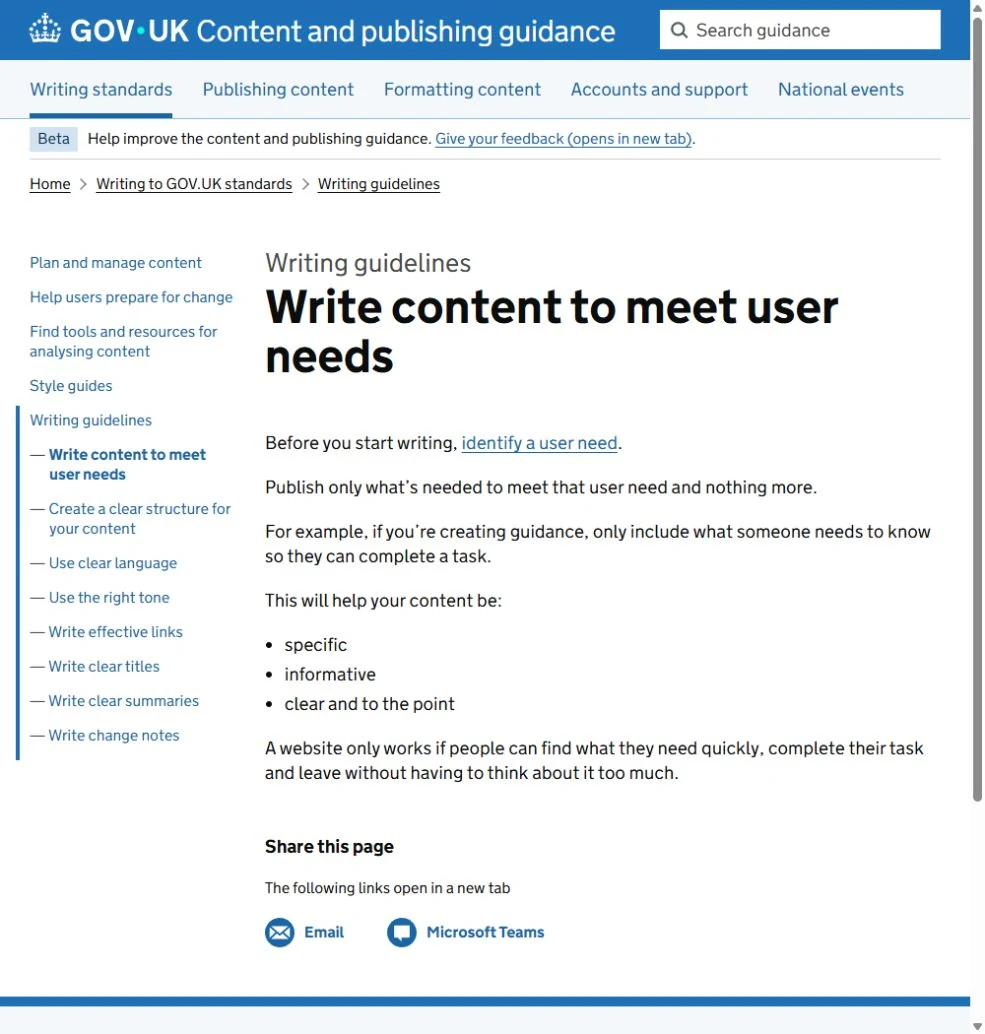
The GOV.UK guidance on user needs offers a useful editorial principle:
Publish only what's needed to meet that user need and nothing more.
Apply the principle with judgment. A detailed tutorial can be appropriate when the task needs several steps. The point is to remove unrelated information, not to force every answer into a short paragraph. Useful depth explains the decisions a reader must make and the problems they could reasonably encounter.
Match the format to the question
Use a comparison when the reader must choose between alternatives. Use a tutorial when a task has an ordered process. A worked example can explain a calculation, while a checklist can support a repeated review. Choose the form according to the reader's job rather than publishing every topic as a numbered list with the same introduction and conclusion.
Include a screenshot when it clarifies an actual interface or process. Keep the relevant controls readable and identify the source and capture date.
For your own product, a before-and-after example may communicate more than a decorative stock image. When using material from another site, keep excerpts brief, attribute them, and respect reuse terms. A screenshot documents what was visible at a particular time; it does not guarantee that the interface will remain unchanged.
Build a small calendar with clear boundaries
Plan a manageable group of pieces before assigning publication dates. Include the reader question, intended outcome, category, format, and evidence needed. Then consider how long research and checking will take. A topic involving current platform rules needs a different preparation allowance from an example using fictional numbers you can calculate directly.
Here is a hypothetical plan for a spreadsheet service:
| Reader question | Suitable piece |
|---|---|
| What information should I send? | Project preparation checklist |
| Which errors can you fix? | Before-and-after example |
| Can I maintain the result? | Short editing tutorial |
| What is included? | Service scope explainer |
Schedule fewer pieces if that allows you to complete them accurately. Publishing unfinished advice on time does not fulfill the reader's need.
Keep related articles connected without repeating them
Give each article a distinct role. A business-model overview can identify the main options, while a separate service-packaging guide explains how to define a deliverable. Link them at the point where the follow-up becomes useful. Avoid repeating the same long explanation in every article simply because the topics are related or share a search term.
When two proposed pieces would answer essentially the same question, combine them or define a clearer distinction before drafting.
Use category names that reflect how readers look for help. "Getting started" and "Finding customers" describe recognizable stages, while an internal campaign name may mean little to a first-time visitor. The taxonomy should support navigation and future maintenance, not create a different category for every new post.
Review usefulness after publication
Look for evidence that readers can act on the content. They may ask fewer repeated questions, arrive better prepared for a project, or identify the correct product without another explanation. Page visits can show reach, but they do not establish whether the answer worked. Keep notes on confusing instructions and update those sections when necessary.
Prioritize maintenance of useful existing pages alongside new writing. A broken resource link or obsolete screenshot can undermine an otherwise strong tutorial.
Choose the next four questions your intended customers need answered. Give each one a distinct outcome and format, then publish at a pace that leaves time for research and revision. That is a content plan you can improve with actual use.